
Commission Approval & Cash Flow
Understand how attributed sales move into commissions, billing, and payout workflow.
This page traces the journey from an attributed sale through the commission hold, billing, and partner payout.
Payment integration method
| Method | Checkout ownership | How it works |
|---|---|---|
| Invoice billing | Your checkout | You collect customer payment, Affitor attributes conversions and bills through its invoice workflow |
Invoice billing
Step by step:
- Customer purchases through your existing checkout.
- You receive payment in your own payment stack.
- Affitor attributes and validates the conversion.
- Commission is created according to your program rules.
- Advertiser billing is handled through Affitor's invoice workflow.
- Commission moves through the hold period and, once approved, into the partner's withdrawable balance.
Customer money never passes through Affitor. The money that does move through Affitor is the weekly invoice (approved commissions plus the platform fee), which you pay to Affitor LLC, and the partner withdrawals Affitor sends out:
The two branches after approval are independent: the partner's balance is credited when the commission is approved, not when you pay the invoice.
Validation Before Commission
Affitor validates each attributed sale before the commission workflow proceeds.
Checks include:
- Valid attribution
- No duplicate sale event
- In-window attribution
- Matching program/customer relationship
Approval and Hold Workflow
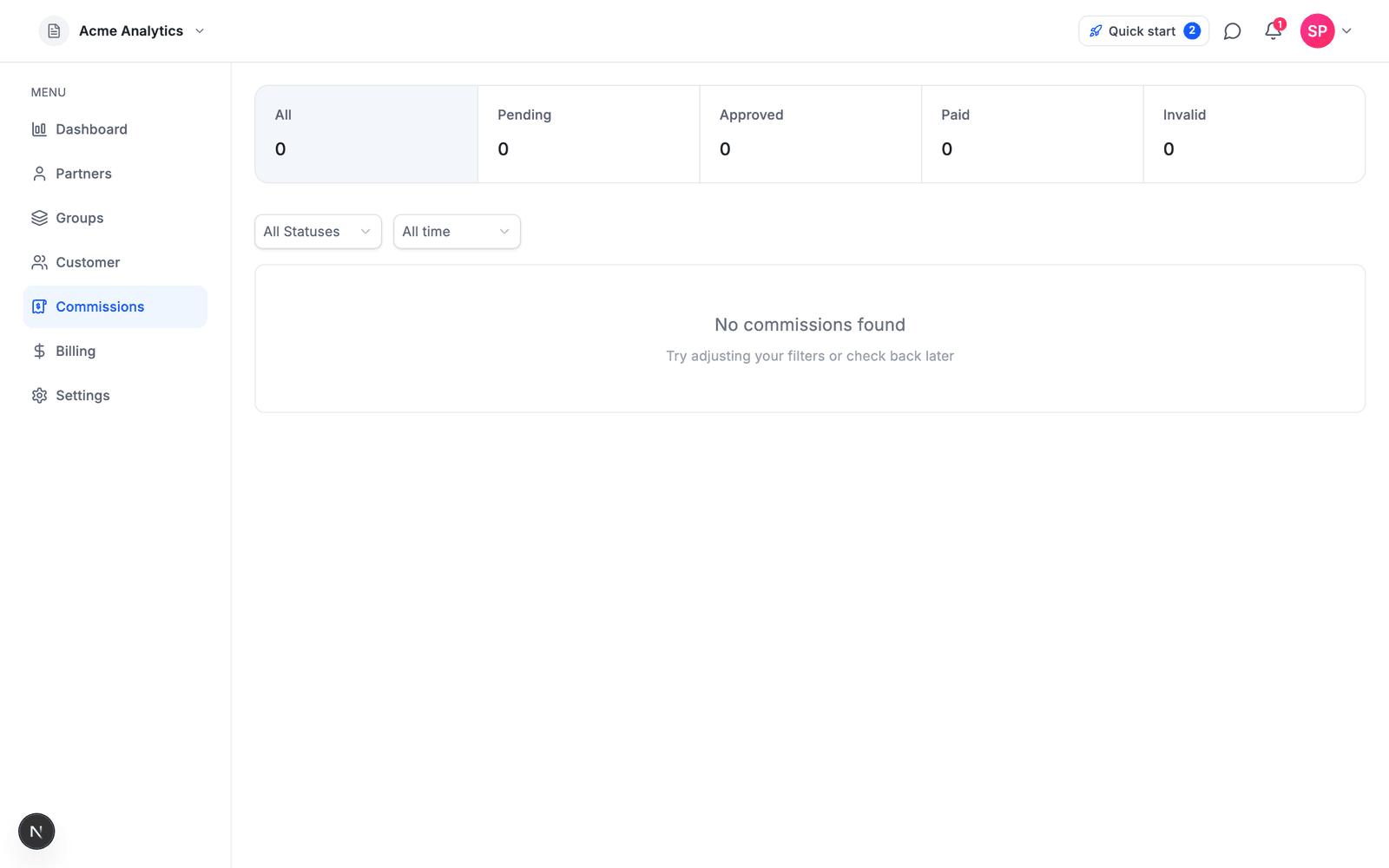
Every commission moves through the same lifecycle:
Approved is when the commission is added to the partner's balance. Invoiced and Collected track your side of the bill; they do not gate the partner's withdrawal.
The program's hold period, set under Commission in program settings, controls when commissions become payable. A commission approves automatically when the hold period ends, unless you approve, reject, or extend the hold on it first from the Commissions page.
Common uses
- Reduce refund risk: a refund that lands during the hold is removed before it ever reaches the partner's balance
- Give yourself time to reject suspicious commissions before they approve
- Extend the hold on a commission you are still checking
Public-safe cash flow summary
- Customer payment lands with the advertiser
- Affitor records the attributed revenue event
- Commission and platform obligations are calculated through the Affitor workflow
- Advertiser billing happens through the invoice process
- The commission is credited to the partner balance when it is approved; the partner then requests a withdrawal
Refund Handling
What happens depends on where the commission is when the refund arrives:
- Pending — nothing reaches the partner's balance. A full refund marks the commission Reversed, a partial one Refunded.
- Approved or invoiced — the refunded share is taken back from the partner's balance (never below zero): all of the commission for a full refund, and the same fraction of it for a partial refund.
- Already collected — Affitor deducts it from the partner's balance, which can go negative, and sends you a notification: reconciling with the partner is a manual step.
Platform fees already billed are not refunded, and a refund does not lower the revenue total that counts toward your program's $10,000 fee-free tier. See Track refund for the API details.